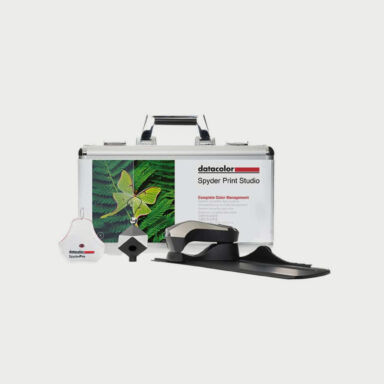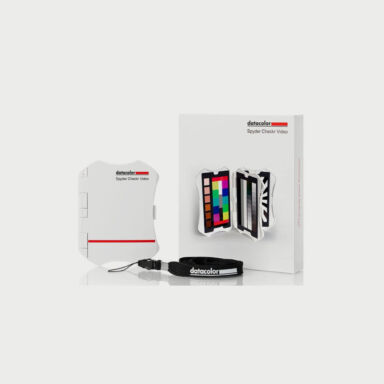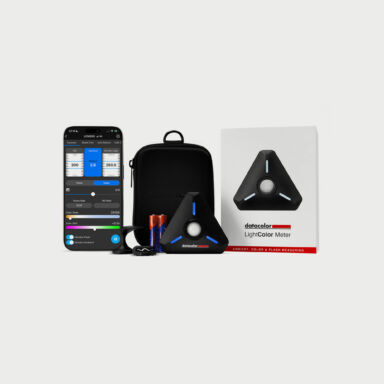


















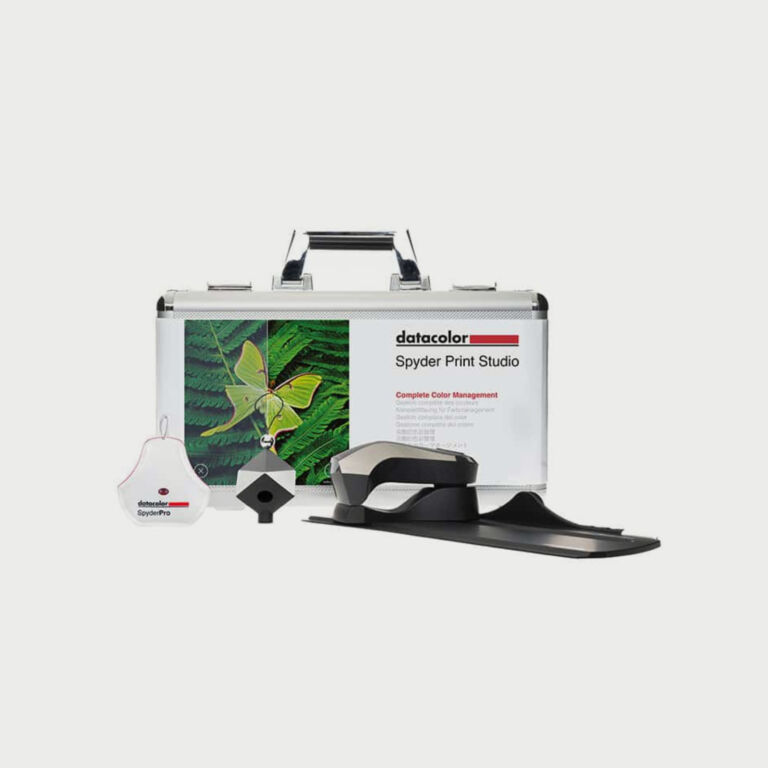
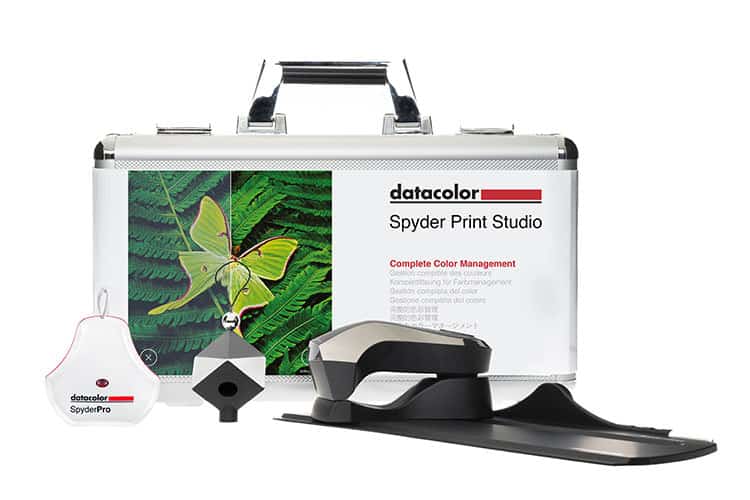
Optimizing your workflow with Spyder Print Studio
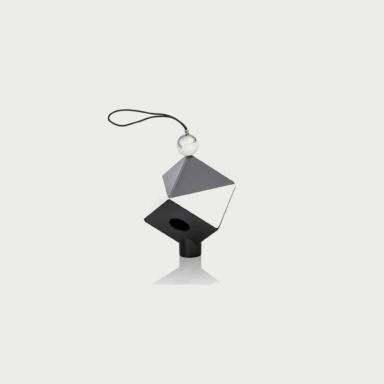
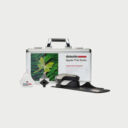
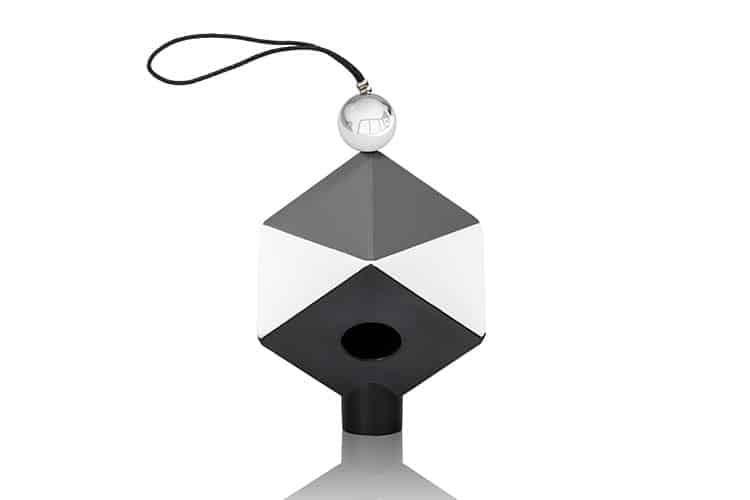
Begin with the Spyder Cube to set your white balance and RAW conversion. Unlike a grey card, the Spyder Cube allows you to define absolute white and zero black values, as well as set a neutral grey for the perfect contrast ratio.
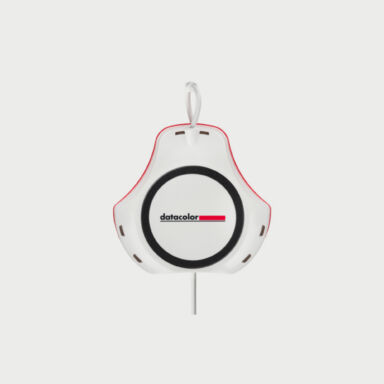
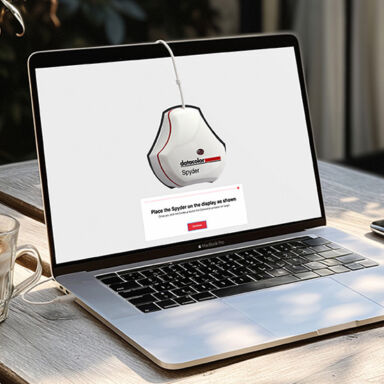
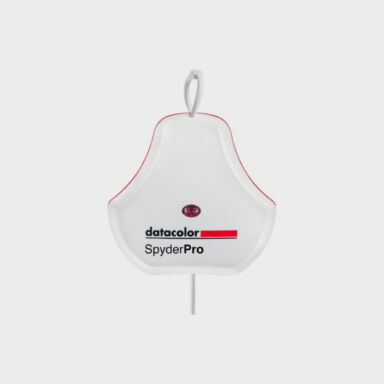
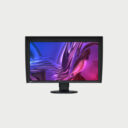
Next, calibrate your monitor using SpyderPro. In just 90 seconds, you’ll achieve precise color calibration, supporting the latest display technologies like OLED, mini-LED, Apple Liquid Retina XDR, and high-brightness screens.
Finally, use SpyderPrint to ensure the most accurate screen-to-print results, giving you full control over your printer output. You can create custom print profiles for any combination of printers, inks, and papers.
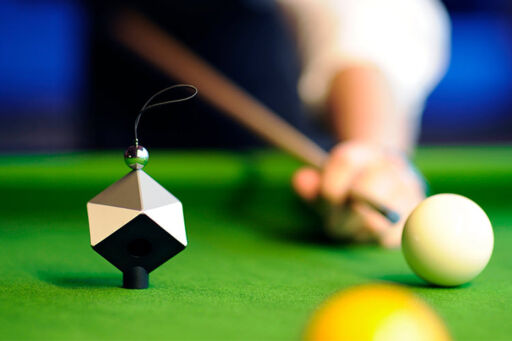
Spyder Cube
Provides a perfect reference point for contrast ratio in lighting for your shots – something you can’t do with just a grey card.
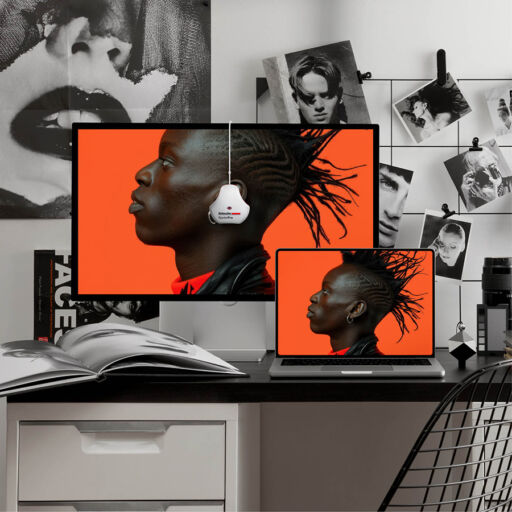
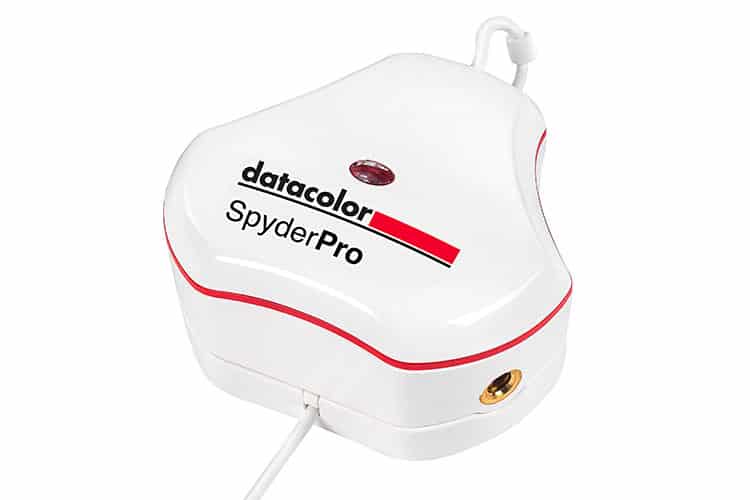
SpyderPro
SpyderPro calibrates your monitor ensuring precise and consistent color in the latest display technologies (OLED, mini-LED, Apple Liquid Retina XDR) as well as Wide and Standard LED and high-brightness displays).
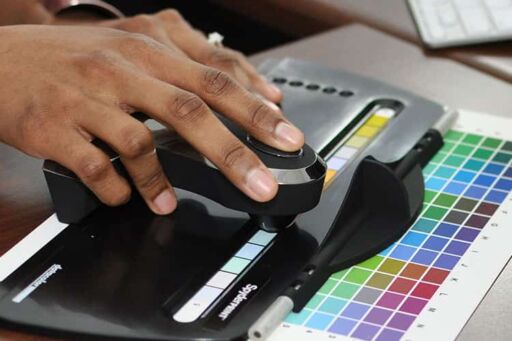
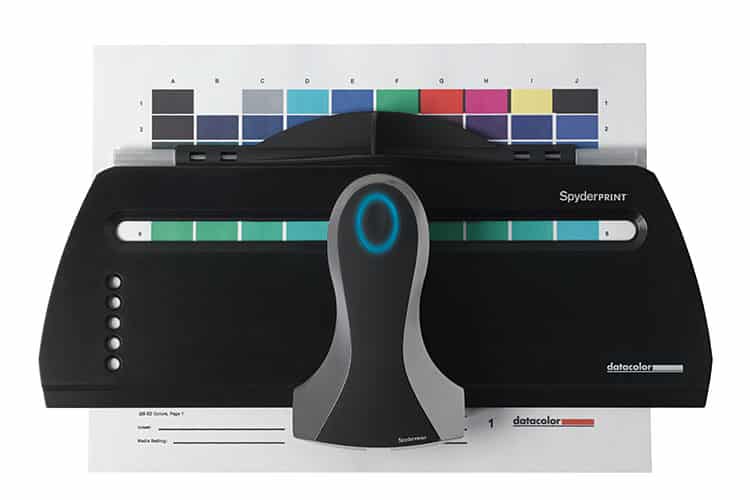
Spyder Print
Create profiles for your printer, ink, and paper combinations. Print your choice of targets, then step through the easy process to measure the target and build a profile.